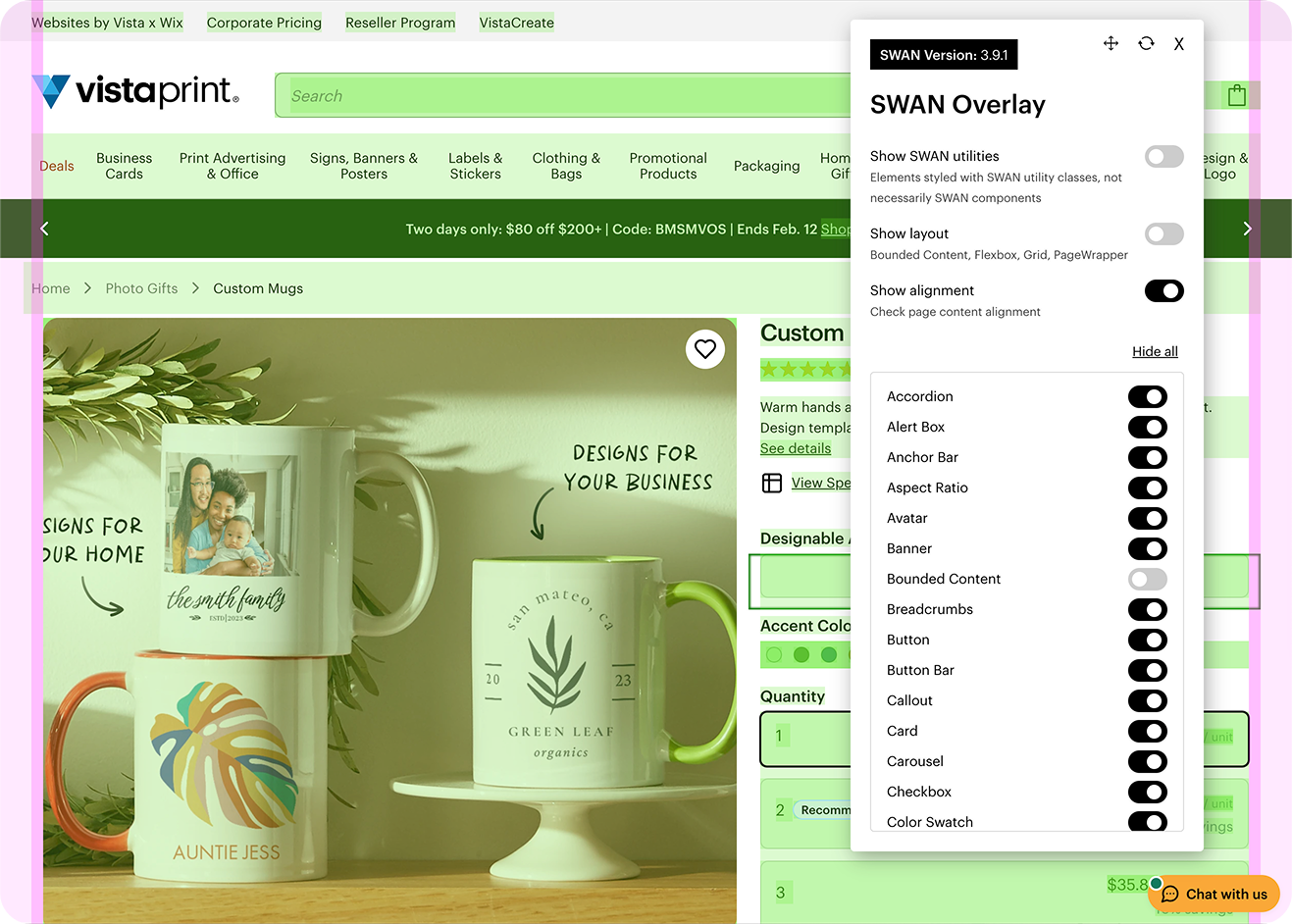
The SWAN Overlay is a browser extension that highlights SWAN components in the UI to help assess page layout and alignment.
Installation
The SWAN Overlay can be installed on Chrome or Chromium powered browsers such as Arc or Brave.
To install the SWAN Overlay:
- On your chromium browser go to the SWAN Overlay plugin page.
- Click
Add to Chrome - Click
Add extensionin the dialog that appears to complete the installation.
To enable the SWAN Overlay:
- Visit a page built with SWAN
- Click the extension button in your browser toolbar. This is usually a 🧩 icon.
- Select the SWAN Overlay extension to enable it.
- You will need to enable the plugin each time you refresh or visit a new page.
